
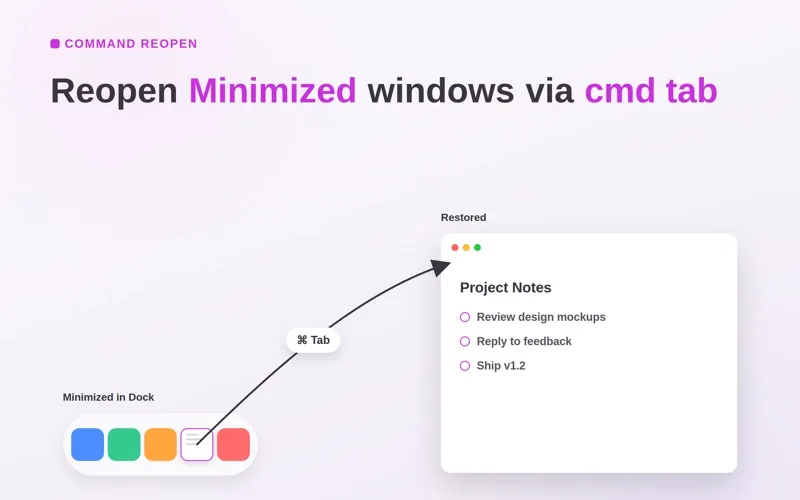
Why it's here
Not for
People who want a whole new app or window switcher. This keeps the standard one and only fixes what it brings back.
About Command Reopen
Command Reopen fixes one macOS habit: you Cmd+Tab to an app and its minimized window stays in the Dock, or nothing appears because you closed its last window. With it, Cmd+Tab brings that window back or opens a new one. It keeps the built-in app switcher, lets you exclude apps, and needs no Accessibility or Screen Recording permission.
More like this

Backtrack
Save the last hour of audio after it happened.
“It quietly records in the background, so the moment you think “I wish I’d recorded that”, you already have.”
Free + ProMenu bar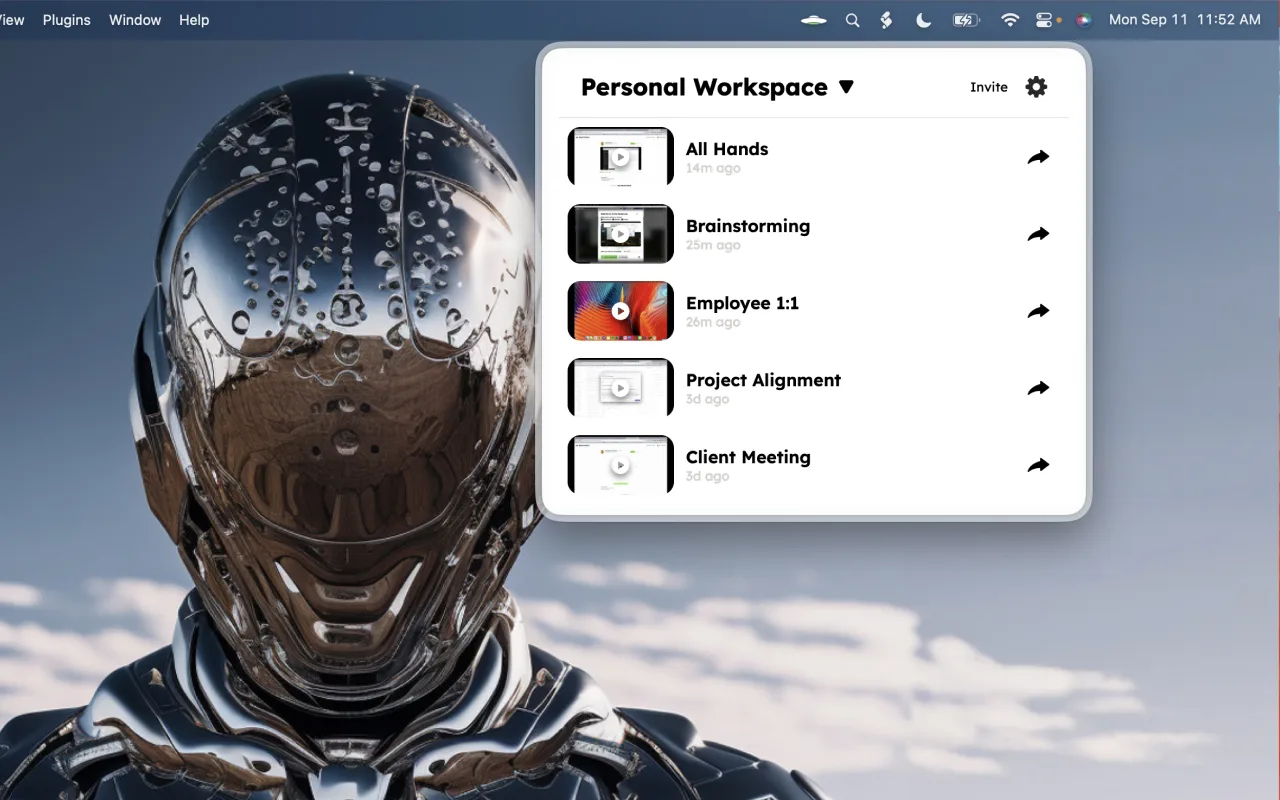
DisplayBuddy
Monitor brightness, volume and inputs from the menu bar.
“External monitors come with the worst buttons ever designed. DisplayBuddy puts every one of them in your menu bar, and presets switch a whole desk setup in one click.”
Pay onceMenu bar
Haptiker
Slide along a trackpad edge to set volume, brightness or keyboard light.
“The quickest volume control on your Mac is the trackpad your hand is already on. One finger along the edge, a soft tick at every step, and it even dims your external monitor and lights the keys.”
Pay onceMenu bar