Category · 17 apps
Utilities
Small Mac utilities we’d tell a friend about, from AppCleaner and Keka to Amphetamine and WhatCable, each with who should skip it.




Amphetamine
Keep your Mac awake on your terms.
“Free, no ads, no upsell, and the triggers mean you set it up once and stop thinking about sleep settings.”
FreeMenu bar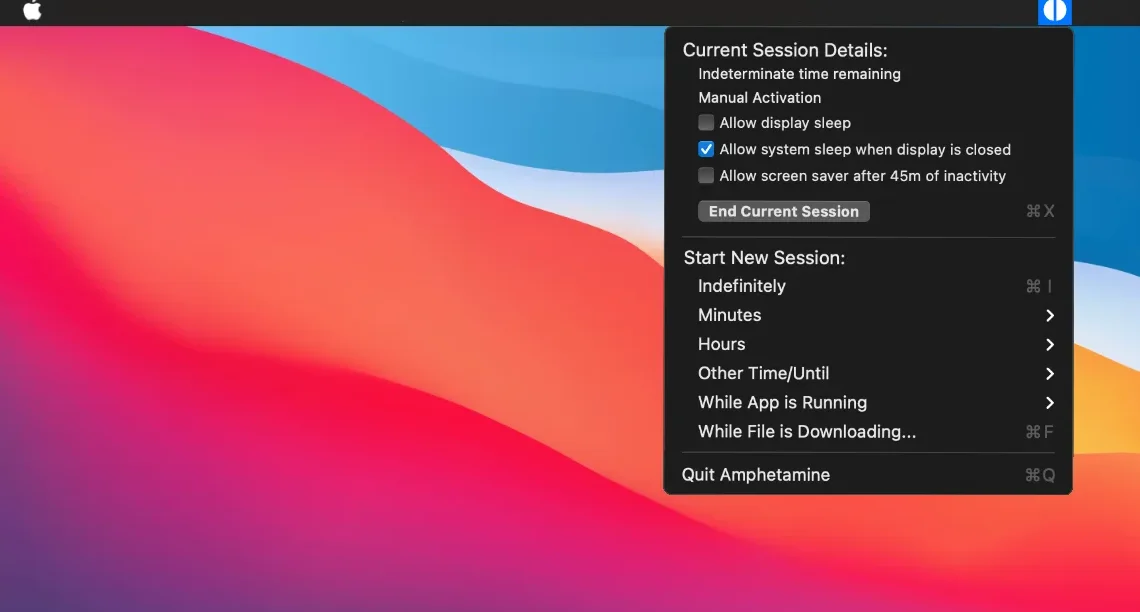
AppCleaner
Delete an app along with the files it leaves behind.
“The Trash only removes the app itself. AppCleaner removes everything the app left behind, and it has quietly done that one job for well over a decade.”
FreeAstropad Workbench
Check on your Mac and its AI agents from anywhere.
“Remote desktop rethought for the agent era: glance at what your Mac mini is doing from your phone, nudge it, and get on with your day.”
Free + ProbalenaEtcher
Flash OS images to SD cards and USB drives safely.
“The go-to tool for making a bootable SD card or USB drive. Simple and effective, and it won’t let you wipe your own disk by accident.”
Open sourceCommand Reopen
The permission-free Cmd+Tab fix
“A fix for something that should have worked all along, without handing over Accessibility or screen access to do it. It keeps Apple’s own Cmd+Tab, it’s open source, and you forget it is running.”
Pay onceMenu bar
DisplayBuddy
Monitor brightness, volume and inputs from the menu bar.
“External monitors come with the worst buttons ever designed. DisplayBuddy puts every one of them in your menu bar, and presets switch a whole desk setup in one click.”
Pay onceMenu bar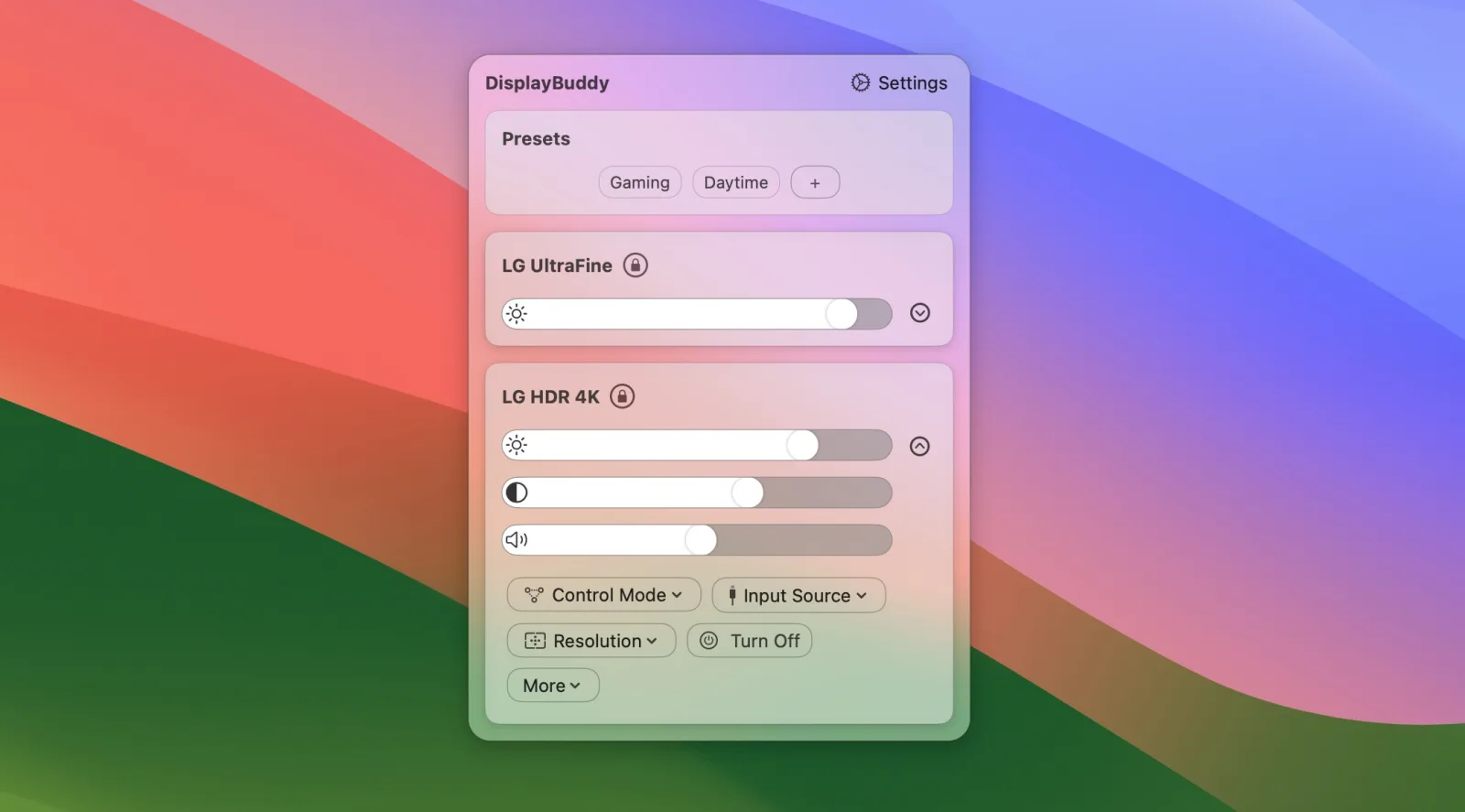

Hamdori
A tiny 3D hamster that lives in the corner of your desktop.
“A desktop pet that is genuinely charming, and careful with it: no Accessibility, Screen Recording or Input Monitoring access, no account, and it only counts key presses, never which keys. Paid for once.”
Pay once

Haptiker
Slide along a trackpad edge to set volume, brightness or keyboard light.
“The quickest volume control on your Mac is the trackpad your hand is already on. One finger along the edge, a soft tick at every step, and it even dims your external monitor and lights the keys.”
Pay onceMenu bar
Keka
Compress and extract almost any archive format.
“The archive utility macOS should ship with. The free download and the paid App Store copy are the same app; buying it just supports the developer.”
Free
Klack
Mechanical keyboard sounds for every keystroke.
“Pure delight for five dollars. It makes a MacBook keyboard feel like a custom board.”
Pay onceMenu bar
Mole
Clean, uninstall, analyse and monitor your Mac, in one native app.
“CleanMyMac, an uninstaller, DaisyDisk and iStat Menus in one well-made app, from the developer of the free Mole command-line tool with over 70,000 GitHub stars. You review every item before anything is deleted.”
Pay onceMenu bar
Orb
Scores how good your internet feels, all day long.
“Speed tests measure the wrong thing. Orb tells you why video calls stutter even when the numbers look fine.”
Free + Pro

Paperman
A soft paper texture over your whole screen.
“Night Shift changes the colour; Paperman changes the surface. A fine grain takes the glare off a bright screen without tinting anything, and it turns off per app when you need true colour.”
Pay onceMenu bar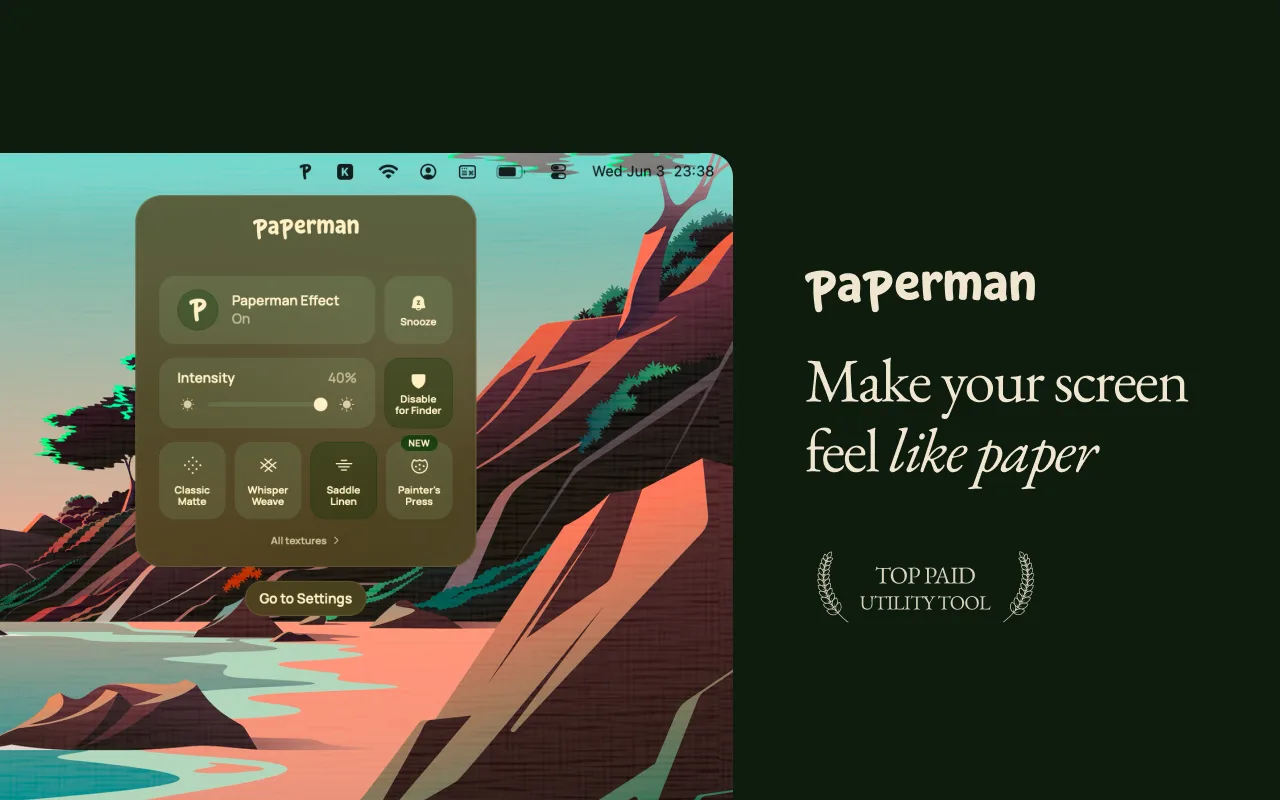

Scroll Reverser
Natural scrolling on the trackpad, classic on the mouse.
“Fixes the one setting macOS forces you to share between trackpad and mouse. Tiny, free and finished.”
Open sourceMenu bar
Slap Alert
A pixel monkey in your menu bar slaps a sticky note on screen for every Stripe, Paddle, RevenueCat or Shopify sale.
“Silly on purpose, and that is the point: a small burst of joy for every sale instead of refreshing the payment dashboard all day. Read-only keys, no account, and it refuses full secret keys.”
Pay onceMenu bar
SnapState
Puts your Mac windows, apps, browser tabs and Spaces back after sleep, a restart or a monitor reconnect.
“For anyone whose carefully arranged desk falls apart every time the external monitor sleeps. Save the setup once, and one click or a shortcut puts every window back on the right screen and the right Space.”
Pay onceMenu bar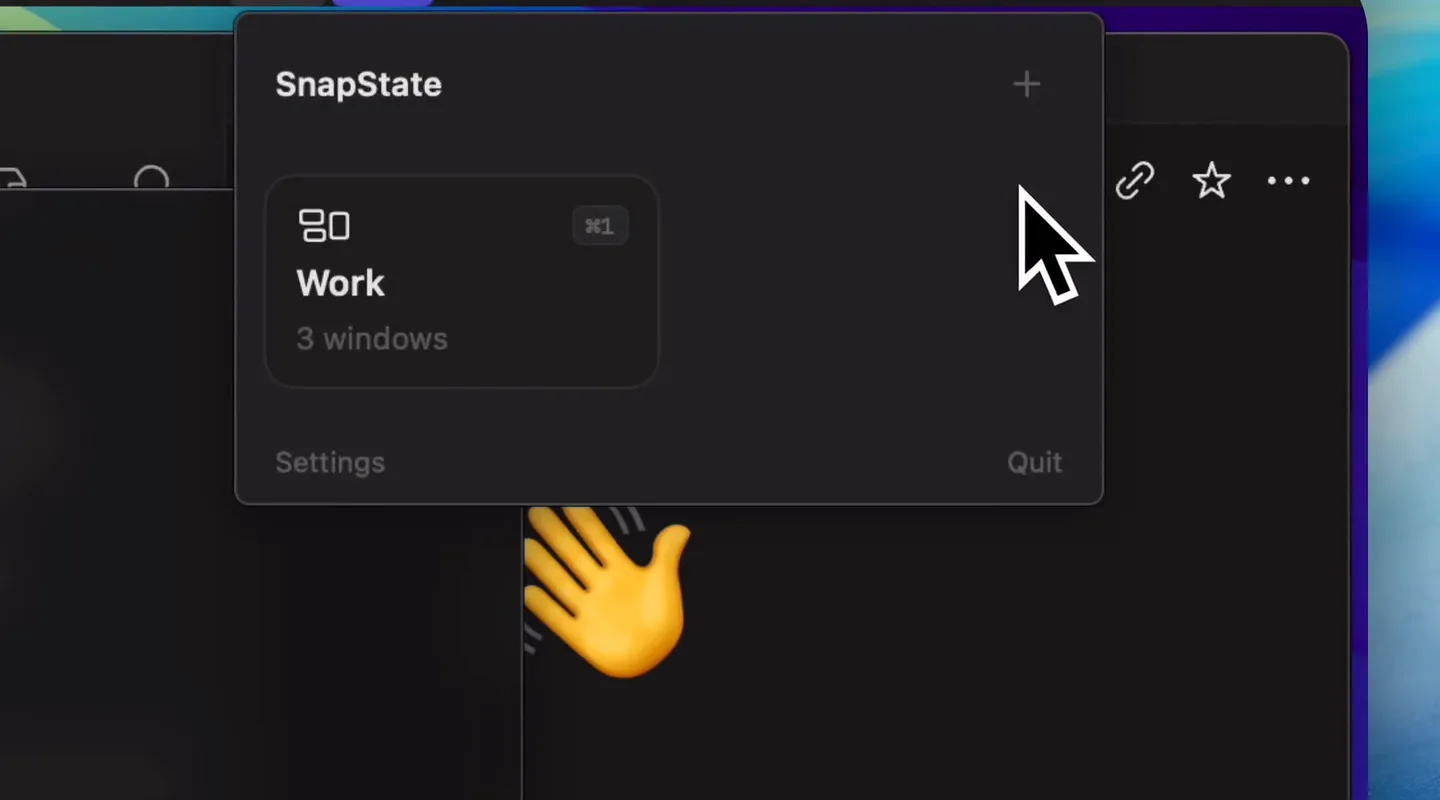

WhatCable
See what each USB-C cable can actually do.
“Finally, a way to sort the drawer of identical-looking USB-C cables. The free, open-source core covers what most people need.”
Free + ProMenu bar